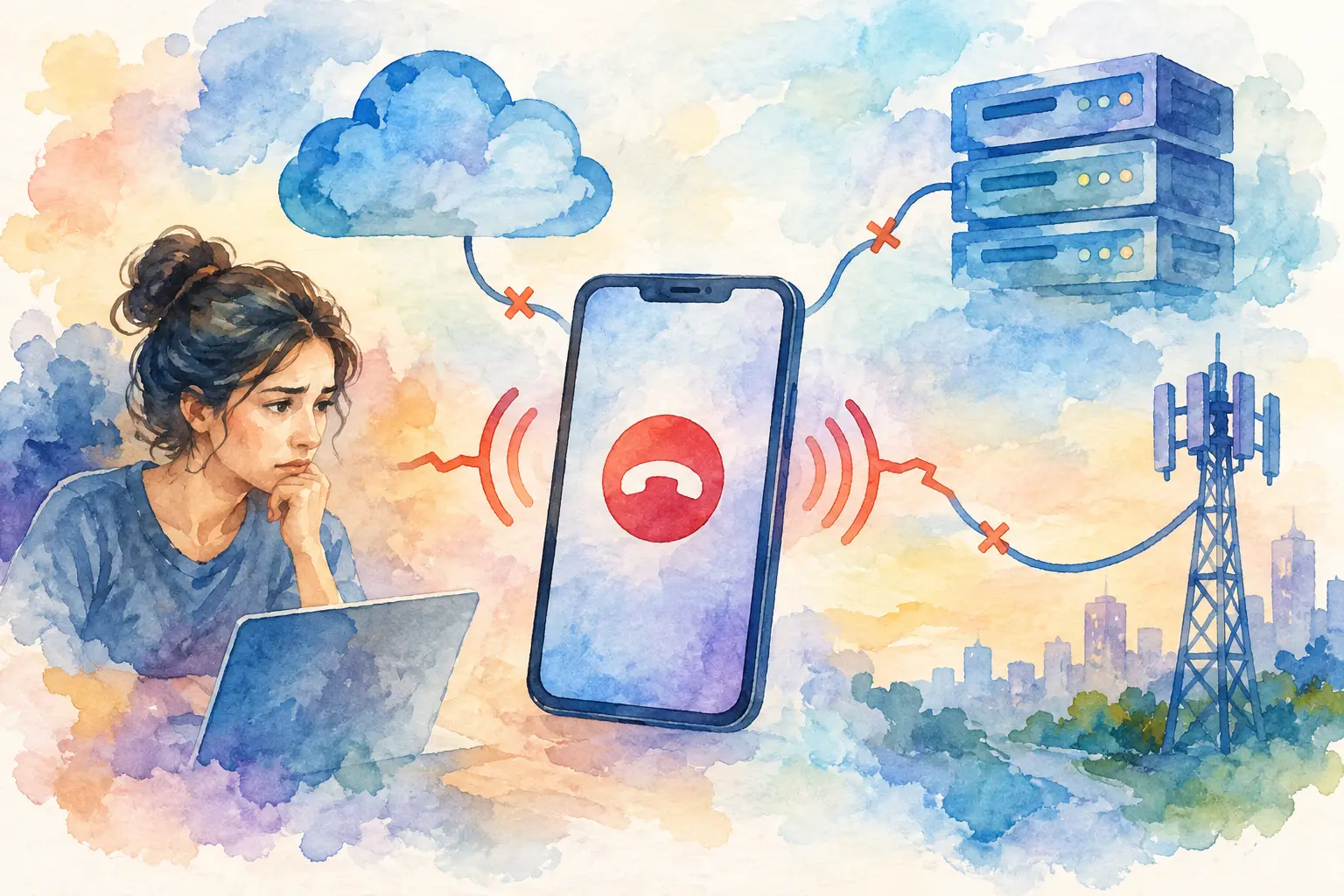
A SIP call can fail before the destination rings, after a 200 OK, or several seconds into connected audio. Those are different incidents, even when users report all of them as a “failed call.” Understanding what causes SIP call failures starts with locating the failed transaction stage: registration, call setup, SDP negotiation, media flow, or the downstream network leg.
For a VoIP operator or NOC team, the useful question is not simply whether a call failed. It is which component rejected, timed out, or completed the call incorrectly. SIP response codes, packet traces, gateway status, CDRs, and route-level ASR together provide that answer.
What Causes SIP Call Failures Across a Call Path?
A SIP call path usually crosses more systems than the caller sees: an IP phone, PBX, SBC, proxy, SIP trunk, routing logic, and possibly a mobile gateway device or carrier network. Each hop can alter headers, apply policy, lose reachability, or reject a request.
The first distinction is between signaling and media. Signaling establishes and controls the session through messages such as INVITE, 100 Trying, 180 Ringing, 200 OK, ACK, BYE, and CANCEL. Media is the RTP audio stream negotiated through SDP. A call that receives a 200 OK but has no audio is not primarily a SIP setup failure. It is commonly an RTP, NAT, codec, or firewall issue.
Treating these as separate fault domains prevents wasted troubleshooting. A route with low ASR may point to registration, policy, capacity, or carrier acceptance problems. A normal ASR with low ACD may indicate calls connect but terminate quickly because of audio failure, downstream rejection, or application behavior.
Registration and Authentication Failures
A gateway or endpoint must be registered and reachable before it can accept inbound traffic, unless the deployment uses static peer configuration. Registration failures often appear as 401 Unauthorized, 403 Forbidden, 404 Not Found, or repeated REGISTER attempts with no final success response.
A 401 is not automatically an error. It is the normal digest-authentication challenge in many configurations. The problem is a second REGISTER that still fails because the username, realm, password, nonce handling, auth ID, or clock state is wrong. A 403 generally means credentials are valid enough to be evaluated but the endpoint is not permitted to register or place the requested call.
Registration can also look healthy while calls still fail. An endpoint may register from one public address, then send calls from another after a network change. The PBX or SBC may retain a stale contact address. Short registration expiry intervals, dropped keepalives, and mobile network address changes can create intermittent failures that are difficult to reproduce from a single test call.
Monitor registration age, last successful re-registration, contact IP and port, transport type, and retry patterns. A device shown as available in a dashboard but repeatedly re-registering deserves attention before it becomes a call-routing incident.
Routing, Dial Plan, and Policy Rejections
Many failed calls never leave the first SIP server. The dial plan may not match the supplied number, the destination route may be disabled, or a trunk may be out of capacity. Common symptoms include 404 Not Found, 480 Temporarily Unavailable, 484 Address Incomplete, 486 Busy Here, 503 Service Unavailable, and locally generated 603 Decline responses.
The SIP code matters, but the server that generated it matters more. A 503 from an upstream carrier has a different operational meaning from a 503 generated by an internal SBC because every registered gateway is at concurrent-call capacity. Read the Via headers, server identity, and timestamped logs to identify the rejecting hop.
Normalize number formats before routing. Differences in E.164 formatting, country prefixes, leading zeros, or plus signs can send calls to an unintended route or no route at all. Also check time-based policies, customer profile restrictions, prepaid balance controls, and route priorities. These controls are useful, but only when their decision is visible in the call record.
NAT, Firewalls, and SIP Transport Problems
SIP was designed around address information carried in headers and SDP, which creates predictable problems when endpoints operate behind NAT. A device may send an INVITE successfully, but advertise a private IP address in Contact, Via, or SDP. The response or RTP stream is then sent to an unreachable destination.
Transport mismatches produce their own failure patterns. A trunk configured for TCP or TLS will not work correctly if the endpoint sends UDP. TLS failures may result from an untrusted certificate chain, hostname mismatch, unsupported protocol version, or incorrect server name indication. DNS failures can prevent a trunk from resolving altogether, especially where SRV or NAPTR records determine the target service.
SIP ALG features on consumer and small-business routers remain a frequent source of header rewriting and broken media negotiation. In managed deployments, disable unnecessary SIP ALG behavior and use an SBC or correctly configured NAT traversal strategy. Keep signaling ports, RTP port ranges, and transport expectations documented for each interconnect.
Codec and SDP Negotiation Issues
A call can reach the far end and still fail because the two sides cannot agree on media. SDP describes the offered codecs, payload types, IP addresses, ports, packetization intervals, and related media attributes. If there is no compatible codec, one side may reject with 488 Not Acceptable Here or terminate shortly after answer.
Codec failures are not always obvious. Both systems may claim to support G.711, for example, while one expects PCMU and the other sends PCMA. Transcoding can resolve some mismatches, but it adds CPU load, latency, and another point of failure. It is often better to establish a narrow, intentional codec policy per route than to advertise every available codec.
Review the SDP offer and answer, not just endpoint settings. Confirm the selected codec, RTP destination, port pair, direction attributes, and whether the received RTP stream has expected packet counts. One-way audio usually means each side negotiated successfully but one media path is blocked or misaddressed.
Capacity, Timers, and Downstream Availability
Resource limits create failures that can resemble routing defects. SBC session limits, PBX channel limits, trunk concurrency limits, CPU saturation, exhausted RTP ports, and file descriptor constraints can all generate 503 responses or timeouts. If failure rates rise with concurrent calls or at predictable busy periods, inspect capacity before changing dial plan logic.
Timer behavior is equally relevant. An INVITE may be canceled because provisional responses arrive too late, or a session may drop because session refreshes fail. SIP timers should not be adjusted blindly. Longer timers can hide a slow downstream provider, while shorter timers may improve failover speed but increase false failures on high-latency links.
Mobile Gateway and Carrier-Side Failure Points
When a SIP route includes managed mobile devices, the IP leg and the mobile leg must both be healthy. A handset may be online yet unable to place or maintain a call because of weak radio signal, temporary network registration loss, device audio-path issues, battery or power state, operating system interruption, or an unavailable carrier channel.
Operational visibility should show more than a simple online indicator. Check device availability, current call state, signal condition, SIM status, last heartbeat, assigned route, and recent CDR outcomes. Compare failures by device, location, carrier, and time window. A pattern limited to one device suggests a local endpoint issue; a pattern across a location may indicate power, internet, or radio conditions; a pattern across a carrier route may require escalation through the authorized service channel.
GSMCalls centralizes these signals alongside SIP trunks, routes, live calls, alerts, and CDRs, so teams can correlate a SIP response with the actual gateway and device condition rather than troubleshooting each handset in isolation.
A Practical Investigation Sequence
Start with one failed call ID and follow it across the full path. Confirm the caller, called number, selected route, start time, final SIP code, disconnect cause, and whether the call ever received a 180 Ringing or 200 OK. Then compare it with a successful call using the same route.
Next, establish the failure boundary. If the INVITE never reaches the SBC, investigate endpoint reachability, DNS, firewall policy, and transport configuration. If the SBC receives it but does not forward it, inspect authentication, dial plan, balances, profiles, and route selection. If it forwards the INVITE and the downstream system rejects it, preserve the exact response code and reason phrase before changing settings.
For answered calls with poor audio or immediate disconnects, inspect SDP and RTP statistics. Check both directions of media, codec selection, packet loss, jitter, and session timers. Finally, use aggregate metrics to determine whether the event is isolated or systemic. A single 486 is normal. A sudden decline in ASR on one trunk, or rising 408 and 503 responses across a route, is an operational alarm.
The fastest resolution usually comes from accurate classification, not from repeatedly retrying the same call. Build alerts around meaningful changes in registration state, response-code distribution, ASR, ACD, device availability, and route capacity. When every failed attempt leaves a traceable record, SIP troubleshooting becomes a controlled workflow instead of a guessing exercise.