A Bluetooth GSM gateway for voice pairs mobile phones with a gateway over the Bluetooth Hands-Free Profile (HFP) and bridges their calls to a SIP PBX. GSMCalls Wireless Connect does this with a small gateway mini PC: no audio cables to the phones, and every line managed from one cloud portal.
Why teams choose GSMCalls as their Bluetooth GSM gateway
Call audio over Bluetooth HFP — the same profile car kits use
No audio or data cables to the phones
Android phones, plus iPhone models where validated
Bridges calls to any standard SIP PBX, SBC or softswitch
Per-phone signal, battery and call status in the portal
Mix with Smart Bridge and USB Connect at other sites
Voice, not IoT: what this Bluetooth GSM gateway is
Search for “Bluetooth GSM gateway” and you will find two different products. Many results are BLE IoT gateways that collect sensor data over Bluetooth Low Energy and upload it over a cellular modem. They do not carry phone calls.
This page is about the other kind: a voice gateway. It uses classic Bluetooth and the Hands-Free Profile to take the audio of a live mobile call from a phone and hand it to a SIP system as RTP media. Your PBX sees a normal SIP line; the phone keeps doing what it does best — holding a mobile connection on its SIM.
How HFP carries call audio to your PBX
The Hands-Free Profile was designed for car kits and headsets. It lets the gateway answer, dial and hang up calls on the phone, and it opens a synchronous voice link for the audio. Narrowband HFP uses the CVSD codec at 8 kHz; newer phones and adapters can negotiate wideband speech with mSBC at 16 kHz when both ends support it.
On the gateway mini PC, the GSMCalls media node converts that stream into SIP and RTP toward your trunk, using G.711 A-law or μ-law on the SIP leg by default. Because each phone has its own Bluetooth link, one gateway can serve several phones within radio range, and the portal shows each as a separate device.
Android and iPhone support
Because HFP is a standard profile, Wireless Connect is the one method that can include iPhones. Android phones are the default choice; selected iPhone models are listed as Beta or Testing on the compatibility page, and we only mark a model Verified after it passes long-call testing. Check the list before buying phones for a site.
When to choose Bluetooth over USB or Smart Bridge
Bluetooth is ideal when you want a tidy install fast: phones sit on a shelf or charging dock, and nothing but power cables touches them. USB Connect is better for dense racks where predictability beats convenience. Smart Bridge removes the PC entirely and streams wideband G.722 audio from the app to the cloud. Many operators use all three; the full trade-off is in USB vs Bluetooth mobile gateway deployments.
Keep phones within a few metres of the gateway and away from metal cabinets
Use one Bluetooth adapter per phone for predictable audio
Keep phones charging and give them airflow on long shifts
Managed from the same cloud portal
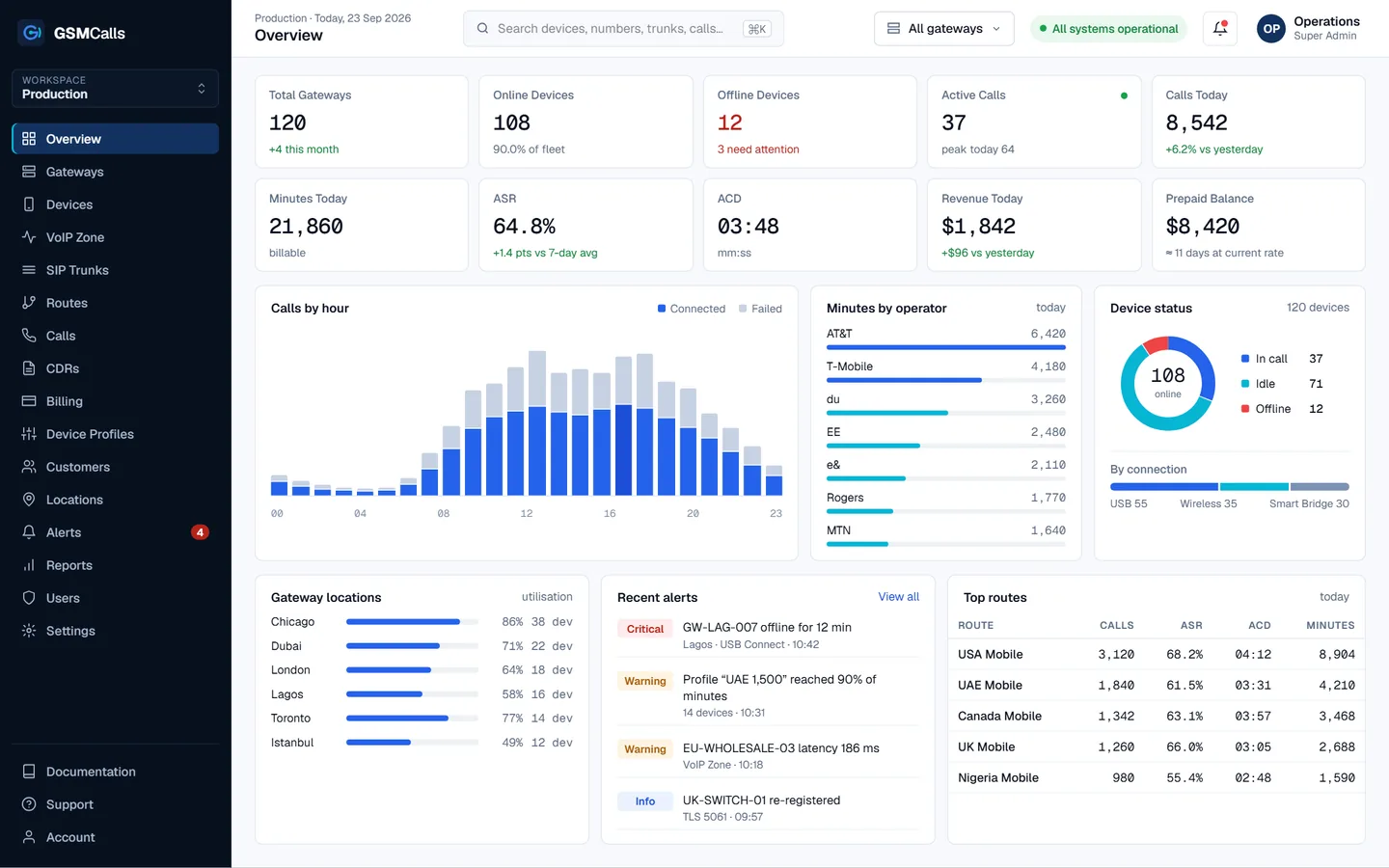
A Bluetooth GSM gateway still needs the unglamorous parts: SIP trunks with ACLs and failover, routing groups, CDRs with disconnect causes, and prepaid minute profiles with alerts. GSMCalls provides them in one portal, so a Wireless Connect site is managed exactly like any other. All use must be lawful and authorised under your carriers’ terms.
Step by step
Set up your Bluetooth GSM gateway
1
Step 1: Set up the gateway mini PC
Install the GSMCalls gateway software with Bluetooth adapters for the phones at the site.
2
Step 2: Pair phones over Bluetooth
Pair each phone to the gateway as a hands-free device and link it in the portal with a pairing code.
3
Step 3: Point it at your PBX
Create a SIP trunk to your PBX or softswitch and assign the phones to a routing group.
4
Step 4: Test and monitor
Place inbound and outbound test calls and watch signal, battery and call status in the portal.
Prices in USD per month. Taxes, carrier airtime and SIM costs are not included. Features marked Coming Soon are not yet available.Compare all four plans
FAQ
Bluetooth GSM gateway questions
Still unsure? Talk to an engineer — we'll map your site to the right architecture.
Is a Bluetooth GSM gateway the same as a BLE IoT gateway?
+−
No. BLE IoT gateways move sensor data. A voice Bluetooth GSM gateway uses the Hands-Free Profile to carry live call audio from a phone to a SIP system.
Does the Bluetooth link affect call quality?
+−
HFP carries narrowband CVSD audio, or wideband mSBC when both the phone and adapter support it. Keeping phones close to the gateway and using one adapter per phone keeps the link stable.
Can I use iPhones?
+−
Selected iPhone models work over Wireless Connect and are listed as Beta or Testing on the compatibility page. Android phones are the default choice.
Do I still need a computer?
+−
Yes, Wireless Connect uses a small gateway mini PC. If you want no PC at all, use Smart Bridge.
GSMCalls is built for lawful, authorised deployments. You remain responsible for local telecommunications regulations and your carriers’ terms — see the acceptable use policy.
Build Your Mobile Gateway Infrastructure
Connect a few phones or manage hundreds of devices across multiple locations from one platform.